Create a Zendesk account to view and manage your Pair Networks support requests.
- Go to pairnet.zendesk.com/hc/en-us
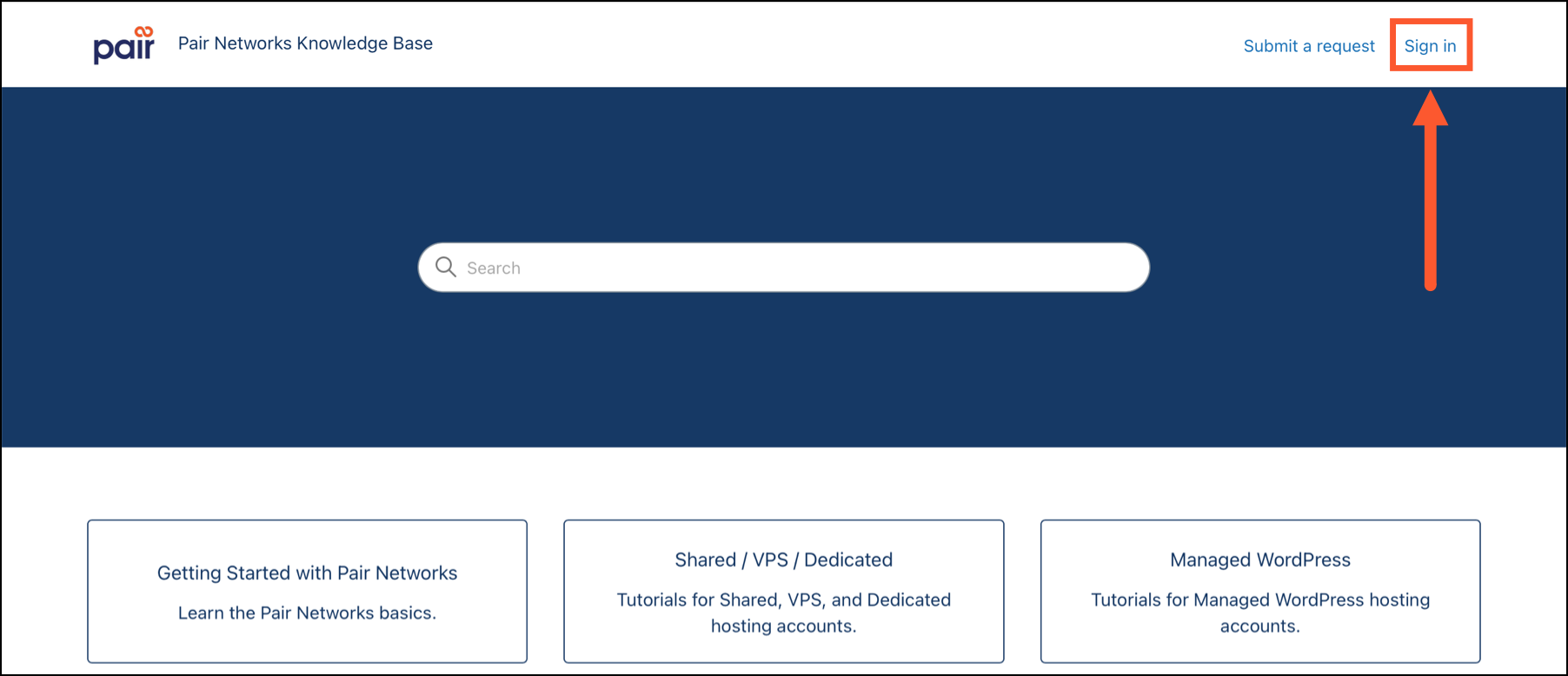
- Click Sign in in the upper-right corner
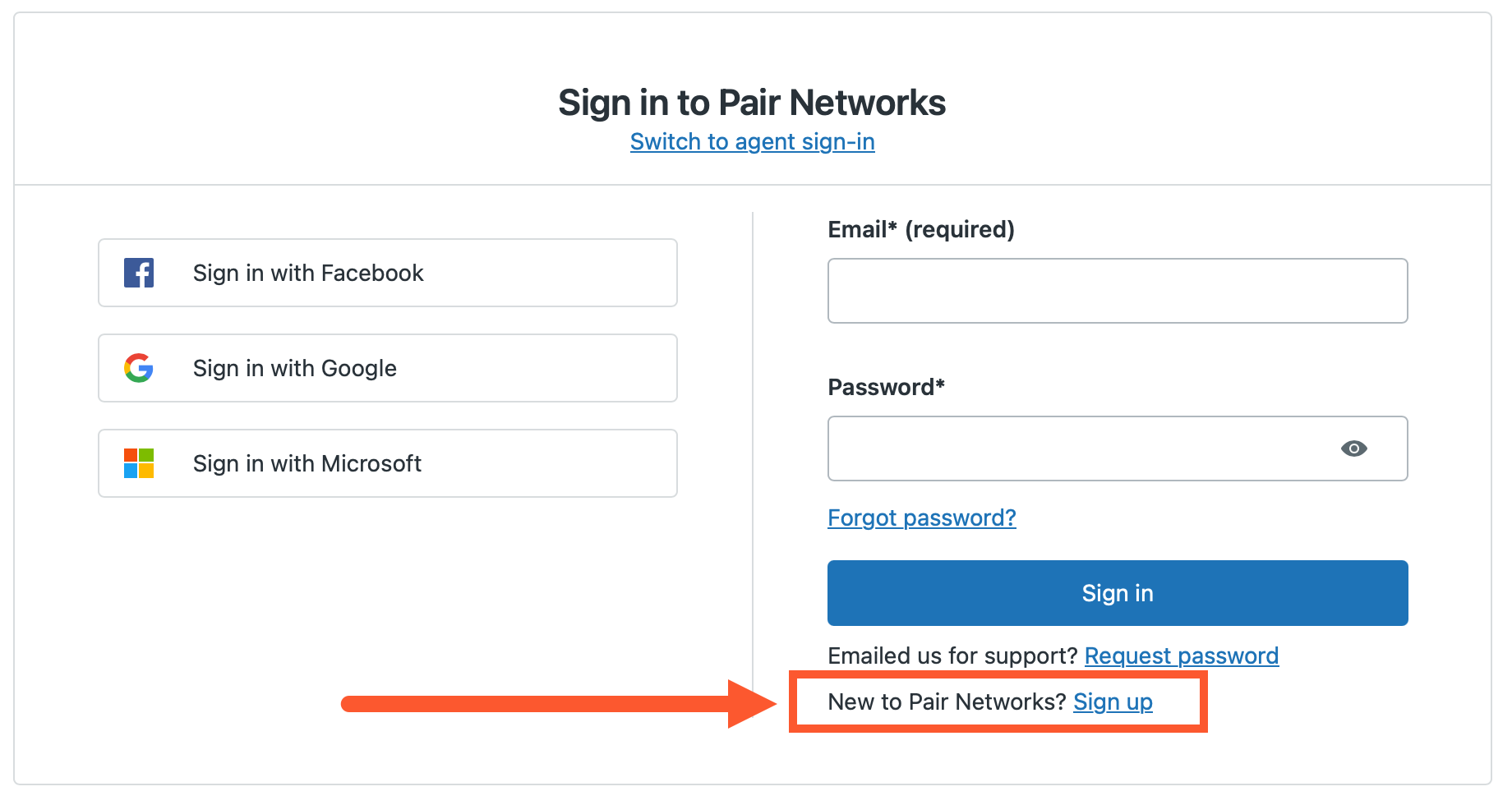
- Next to “New to Pair Networks,” click Sign Up
- Enter your name and email address associated with your Pair Networks hosting account, then submit the form
- Check your email for a verification message. Click the Activate account link to verify your address and create a password.
- Sign in to your new account at pairnet.zendesk.com/auth/v3/signin
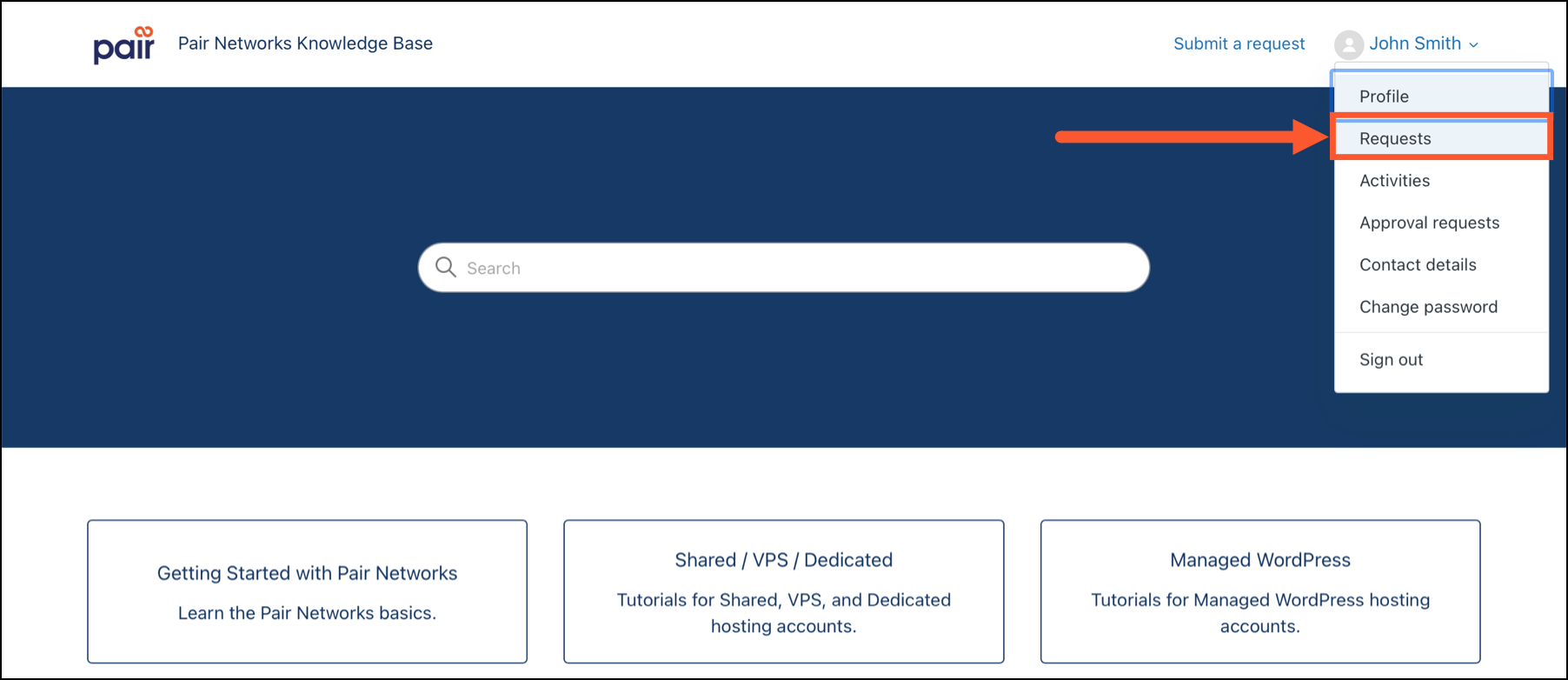
- Click your name in the upper-right corner, then select Requests from the drop-down menu to view your support requests.