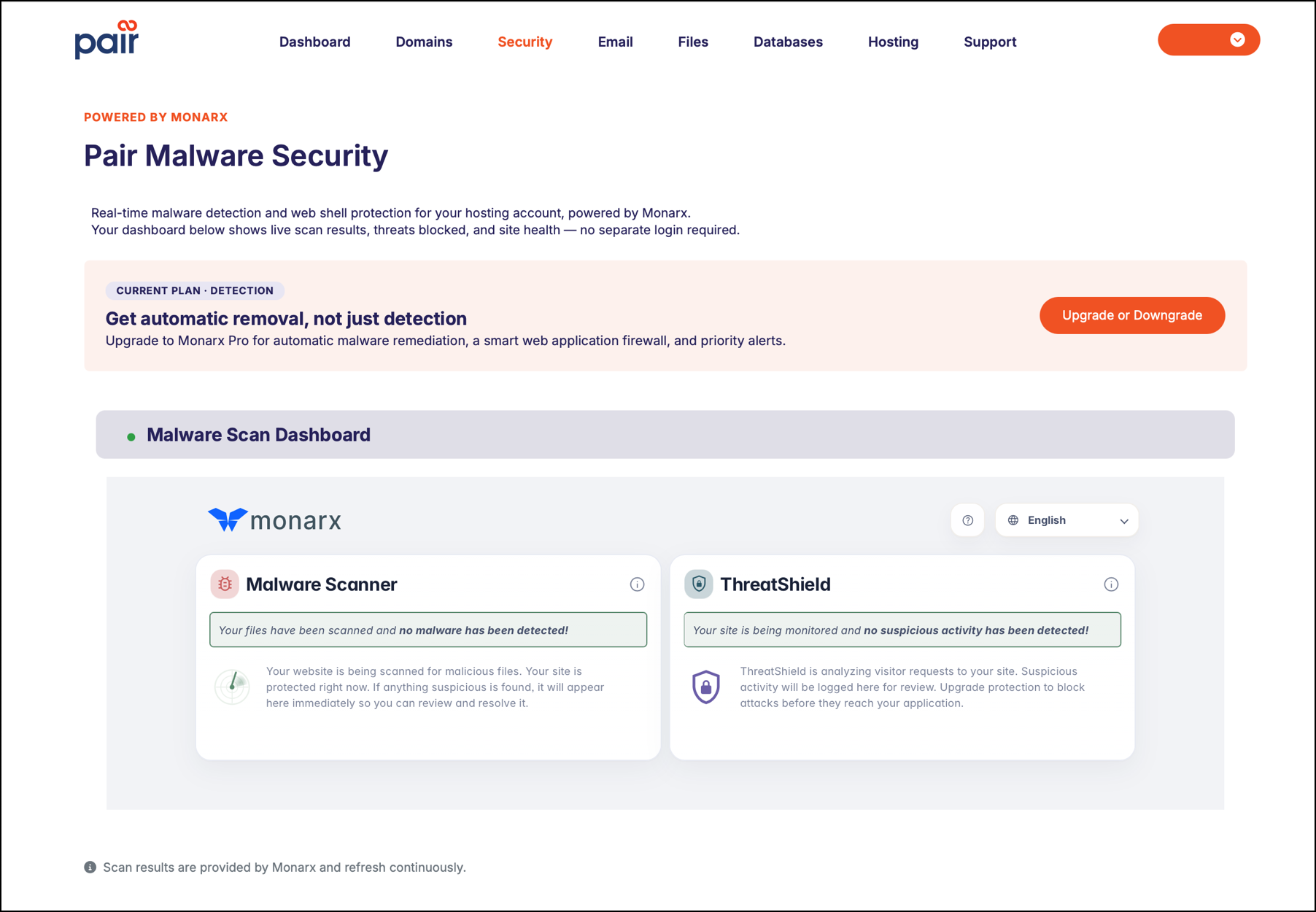
The Pair Malware Security dashboard provides an overview of your account’s security status and detected malware activity.
Choose the tutorial that reflects your ACC interface type:
Not sure what the difference is? See Which ACC Interface Am I Using?
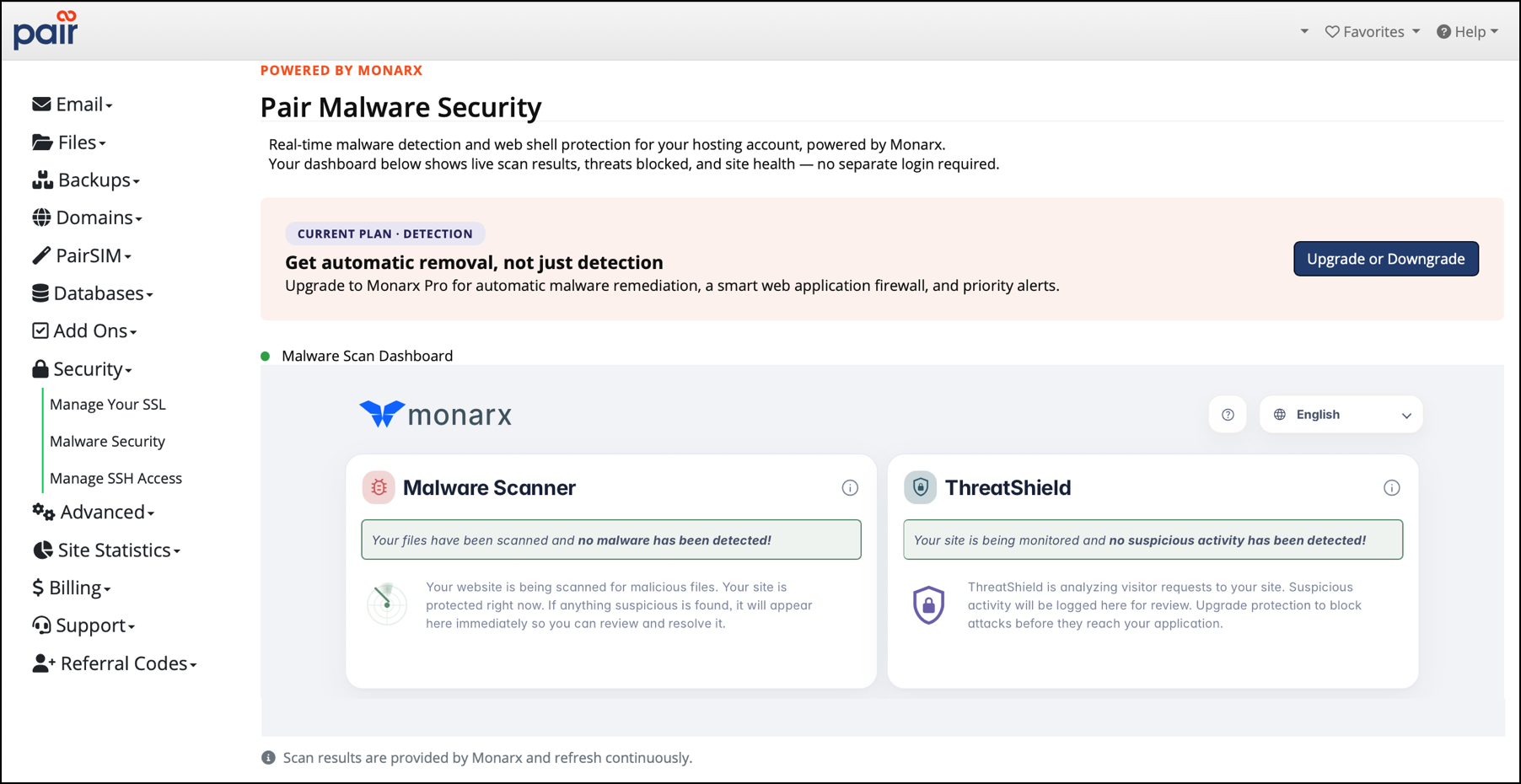
If you are using the Legacy Interface:
- Log in to the Account Control Center (ACC) at my.pair.com
- In the left sidebar, click Security
- Click Malware Security in the drop-down
This opens up the Pair Malware Security dashboard. To learn how to interpret the dashboard data, see Understanding Malware Types and Scan Results.
If you are using the New ACC Interface:
- Log in to the Account Control Center (ACC) at my.pair.com
- In the top navigation bar, click Security
This opens up the Pair Malware Security dashboard. To learn how to interpret the dashboard data, see Understanding Malware Types and Scan Results.